Login Flow Improvement
Retina
Timeline
Augtust 2025
Deliverable
UI Design
My Role
UI/UX Designer
Overview
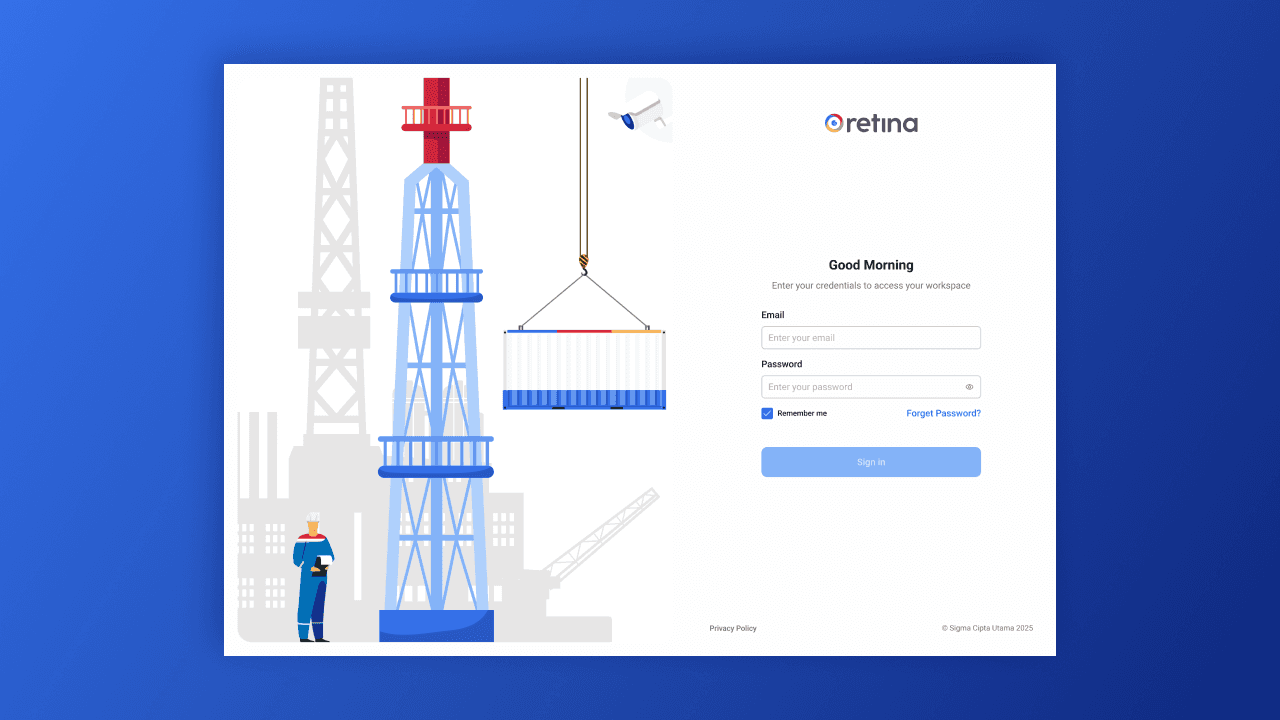
Retina is a real-time drilling monitoring application used to support operational visibility and decision-making in drilling activities. Because the application operates in a high-risk and time-sensitive environment, the authentication experience must balance strong security with operational efficiency.
This project focused on improving the login and password recovery flow to reduce user friction while maintaining enterprise-level security standards.
Previous Login Flow
Flow
Input email
Input password
Input MFA
Key Issues
No Remember Me option
No Forgot Password flow
Users were blocked when credentials were forgotten
Repetitive login process for frequent users
The flow was secure but lacked flexibility for real-world operational usage.
Goals & Design Principles
Maintain MFA and security integrity
Reduce friction for daily users
Provide a reliable and intuitive recovery path
Align with enterprise UX and security best practices
Improved Login Flow
Updated Flow
Input email
Input password
Input MFA
Key Improvements
Remember Me for trusted devices
Clear access to Forgot Password from login screen
Better feedback and system visibility at every step
Remember Me
The Remember Me feature allows users to remain authenticated on trusted devices, minimizing repeated login actions during daily operations.
This significantly improves efficiency while maintaining security through controlled session handling.
Password Recovery Flow (Forgot Password)
The new recovery flow uses a secure email-based reset link, replacing the previous lack of recovery options.
Flow
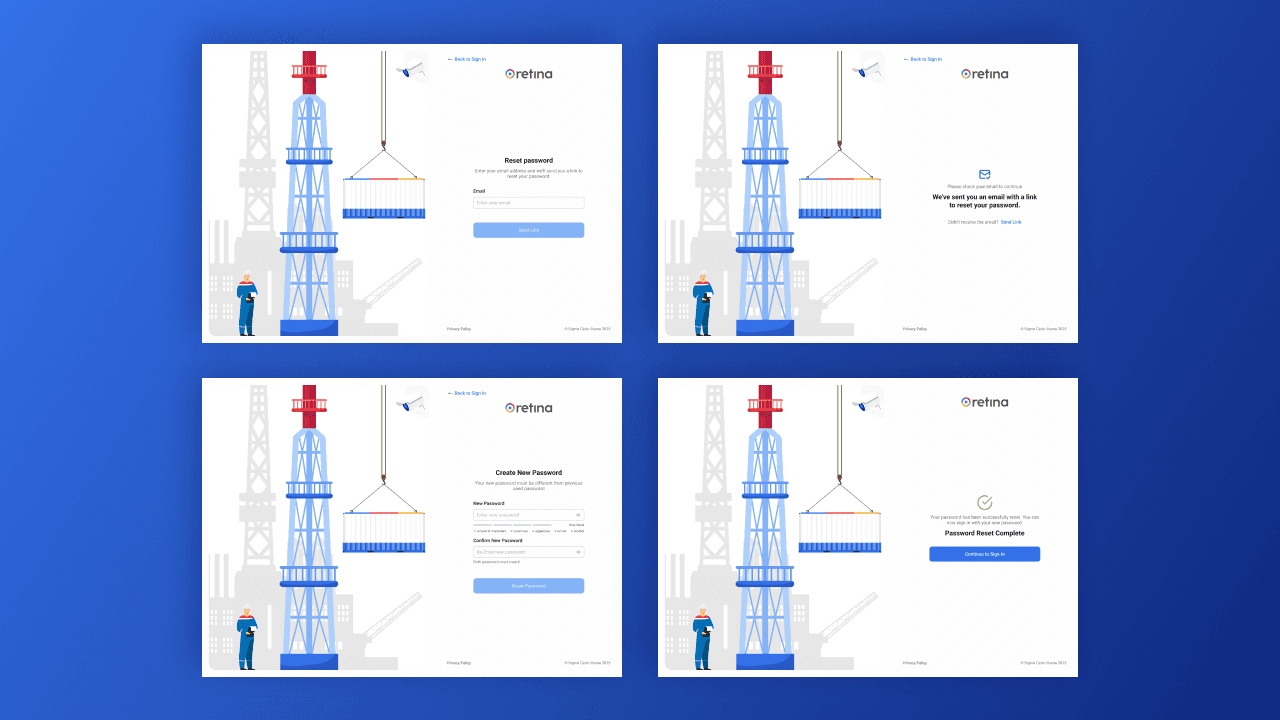
User enters registered email address
System sends a password reset link
User opens the link from email
User creates a new password
System confirms success and redirects to login
Implemented UX & Security Enhancements
Clear confirmation after reset link is sent
Ability to resend reset link
Reset link expiration handling
Password strength indicator
Clear success and error states
Automatic redirection after successful reset
UX & Security Considerations
Security transparency: Users understand what’s happening at every step
Error prevention: Clear guidance reduces failed attempts
Consistency: Familiar enterprise authentication patterns
Operational readiness: Fast recovery without admin intervention
Before vs After
Before
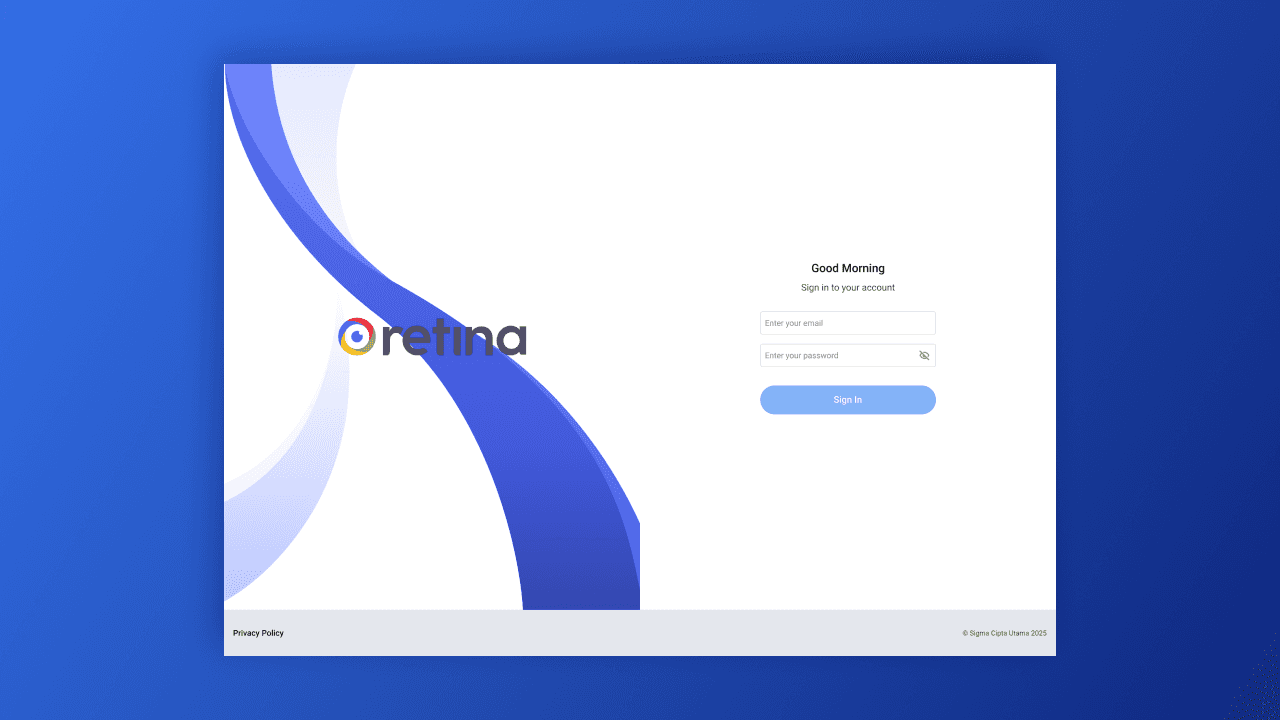
Secure but rigid
No recovery mechanism
High friction for frequent users
After
Secure and flexible
Complete recovery flow
Faster access for trusted users
Reduced operational disruption
Impact
Reduced login-related support issues
Faster recovery from forgotten credentials
Improved daily efficiency for operational teams
Higher user trust in system reliability
Key Takeaways
Security-focused applications still need strong recovery UX
Remember Me significantly improves daily workflows
Clear system feedback is critical in operational tools


